How to Return an Item and Get a Refund on Shopee, Lazada and TikTok Shop
- Film an unedited unboxing video. It's the strongest proof for any refund claim.
- Don't confirm the order as received until you've checked the item.
- File the request from the order page within the return window shown there.
- Prepare photos, listing screenshots, your seller chat and proof of payment.
- If the platform can't fix it, ask your bank about a chargeback or contact the DTI at 1-384.
The shirt came in the wrong size. The earbuds only work on one side. The parcel says delivered, but nothing reached your door. These things happen to everyone who shops online often enough, and the good news is that Shopee, Lazada and TikTok Shop all have a way to get your money back. The bad news is that the window to use it is short, and the evidence you need is easy to lose if you don't know to keep it.
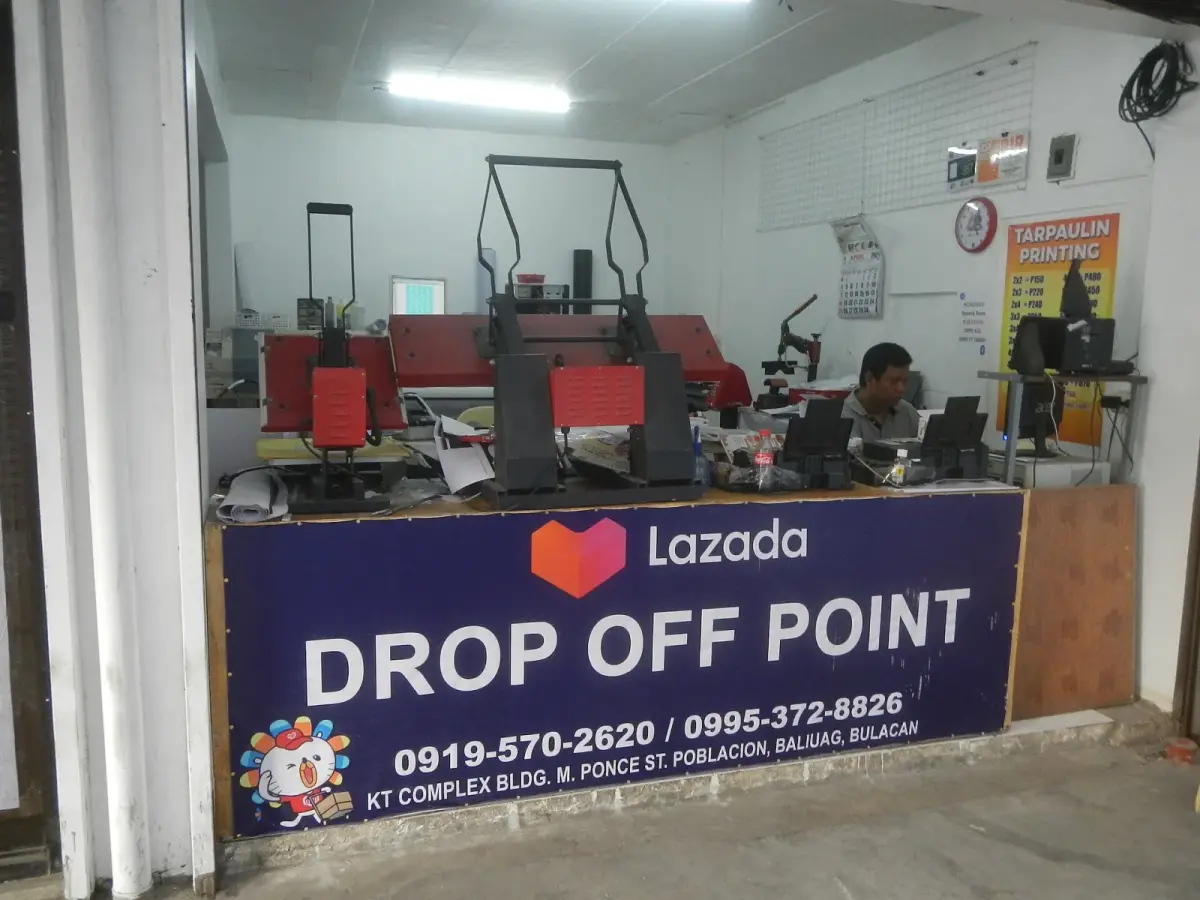
Photo: 9698Lazada Delivery by JFVelasquez Floro, CC0, via Wikimedia Commons
This guide explains how returns and refunds generally work on the three platforms, what proof to prepare, and what to do if the seller or the platform won't help. Return windows, eligible reasons and refund timelines change and differ by item and seller, so always check the return policy shown on your order page.
The one habit that saves most refund claims
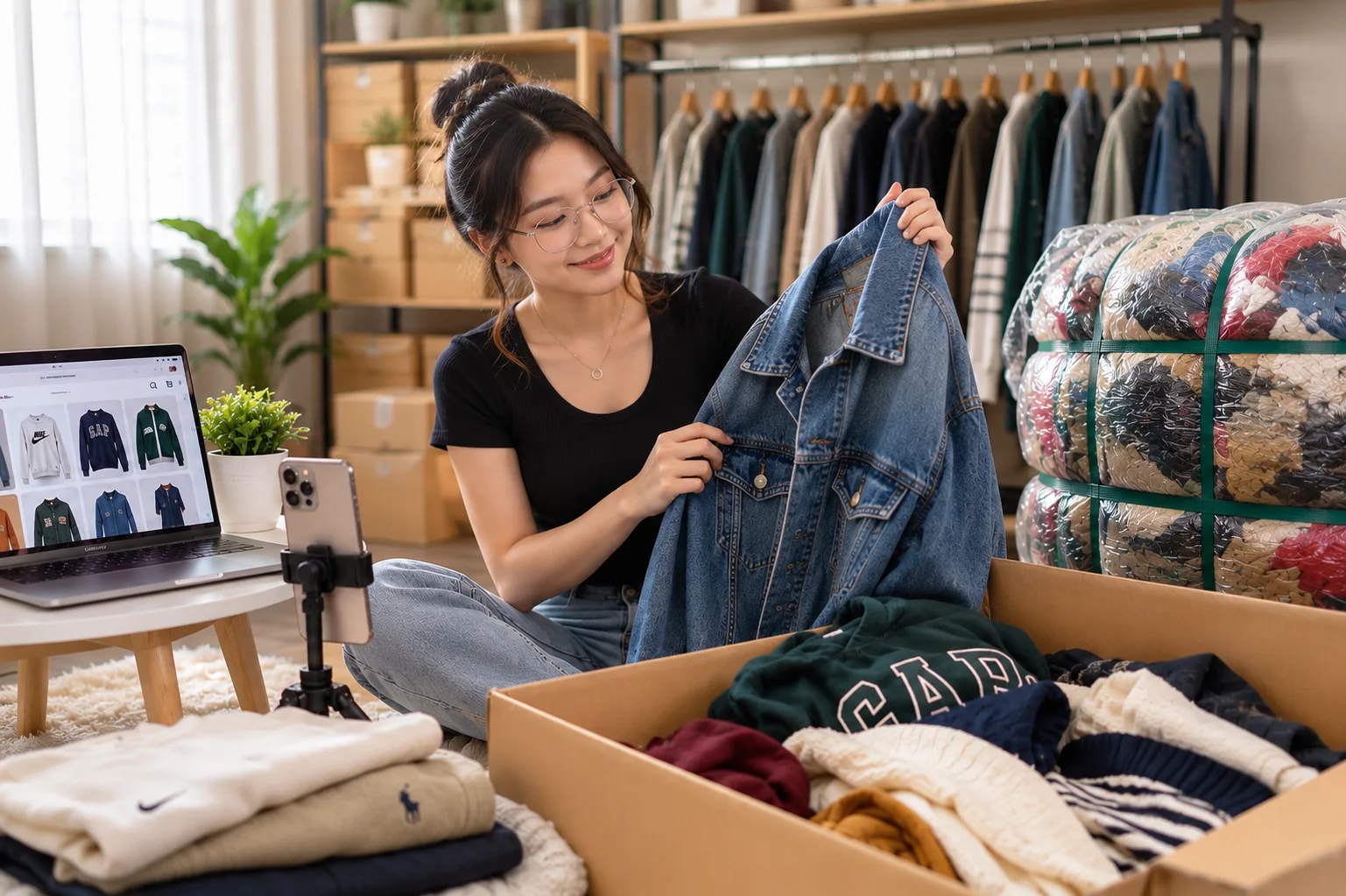
Record a video when you open the parcel. Start with the sealed package and the waybill visible, then open it and show the item, all in one take without cuts. It feels like overkill until the one time you need it. A clear unboxing video is the strongest proof you can give that the item arrived damaged, wrong or incomplete, and some sellers and platforms ask for it.
The second habit is not to confirm the order too early. On Shopee, tapping "Order Received" tells the platform you're happy, and it can release payment to the seller. Check the item first. If something's wrong, file the return or refund request instead.
Common reasons you can ask for a refund
- The item never arrived, or tracking shows delivered but you didn't get it
- Wrong item, wrong size or wrong color
- Damaged or defective on arrival
- Missing parts or accessories
- Significantly different from the listing
- Counterfeit when the listing said it was original
Change-of-mind returns (you simply don't like it anymore) are a different case. Some items and sellers allow them, often with conditions, and some don't. Check the listing and the return policy before you buy if this matters to you.
Shopee
Shopee holds your payment until the order is completed, which is what makes refunds possible. If there's a problem, open the order in the app and look for the return or refund option while the order is still within its return window. You'll choose a reason, describe the problem and upload photos or video.
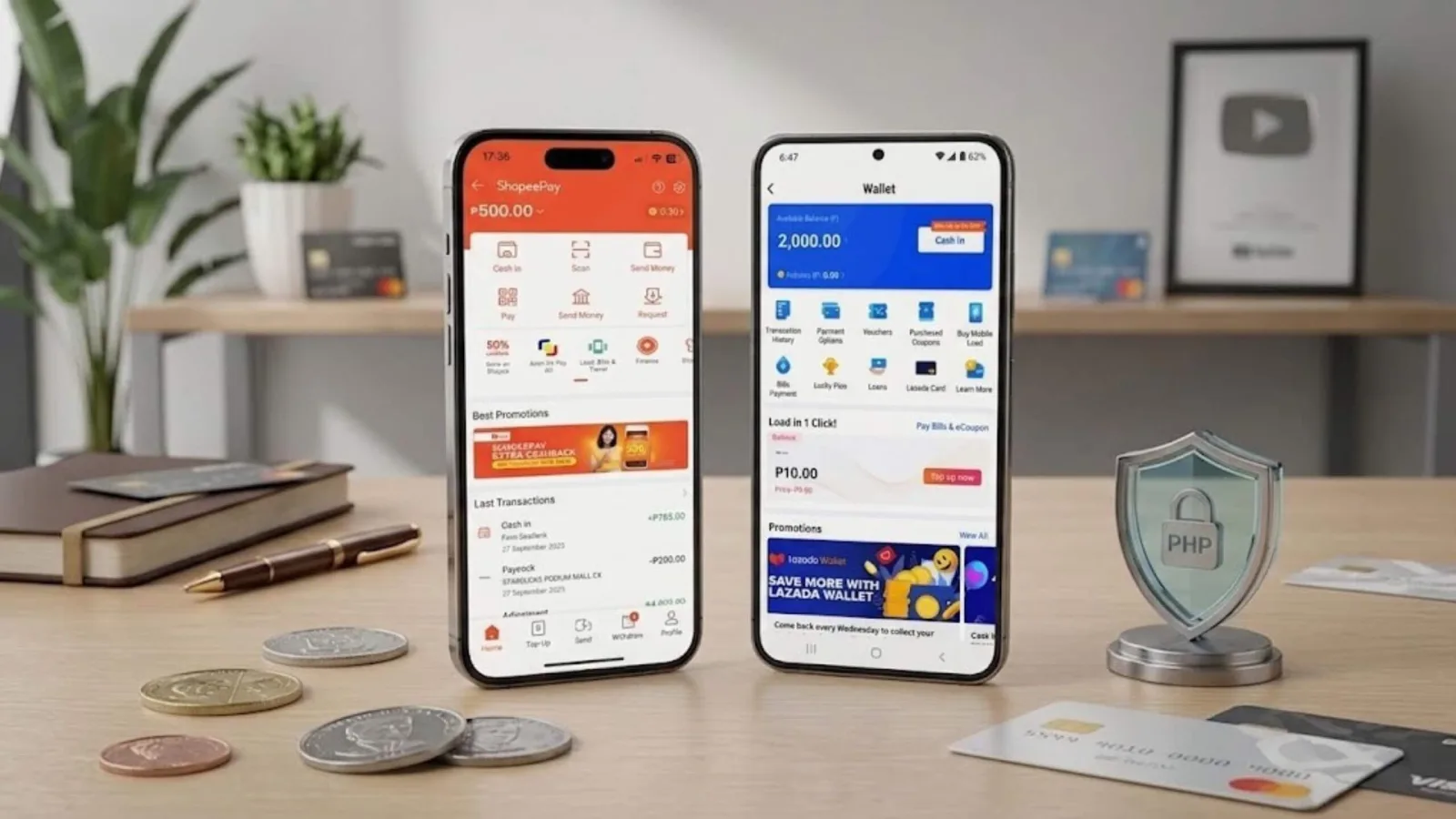
Depending on the case, Shopee may ask you to send the item back, or it may process a refund without a return. Where you get the money depends on how you paid. For some payment methods, refunds go to your ShopeePay balance, which is one reason to verify your ShopeePay wallet early. If the seller rejects your request and you disagree, you can usually escalate it so Shopee reviews the case.
Lazada
On Lazada, the return or refund option is also on the order page, within the return period shown for that item. Pick the reason, add photos or a video, and follow the instructions. If a return is needed, you'll usually be told how to send it back, often through a drop-off point or a pickup. Keep the receipt for the drop-off.
Lazada generally sends refunds back to the original payment method, such as your card or e-wallet, though this can depend on how you paid. LazMall items often come with clearer return terms, which is worth checking before you buy anything expensive.
TikTok Shop
On TikTok Shop, open the order in the app and look for the option to request a return or refund. The steps are similar: choose a reason, add evidence, and follow the instructions if the item has to go back. Because many TikTok Shop purchases happen quickly during livestreams, it's especially easy to forget to save the order details. Screenshot the product page and the price before the live ends, in case the listing changes later.
What to prepare before you file
- Your unboxing video, or clear photos of the item, the box and the waybill
- Screenshots of the listing as it looked when you bought it
- Your chat with the seller, if you've already talked to them
- The order number and proof of payment
Describe the problem plainly and specifically. "Left earbud has no sound, see video" works better than "defective item, very disappointed." Platforms review a lot of cases, and clear evidence gets through faster.
When the parcel never arrived
First, check the tracking. A parcel can sit at a sorting facility for a while, especially during big sales, and that isn't the same as lost. Our guide to what "parcel in sortation center" means explains the normal delays. Once the promised delivery date has passed, you can usually file an "order not received" request on the order page. If tracking says delivered but you don't have it, ask your household and neighbors first, then file the request quickly. Don't wait weeks.
If the seller or platform won't help
Most cases are resolved inside the app. If yours isn't, you still have options.
If you paid by credit card, contact your bank and ask about a chargeback for an item that was never delivered or was significantly not as described. Banks have their own dispute processes, and your card statement is a useful paper trail. We cover this in our guide to credit cards for online shopping.
For seller disputes, you can file a complaint with the DTI through its hotline at 1-384 or its online Consumer Care system. The Consumer Act (RA 7394) and the Internet Transactions Act (RA 11967) back your right to accurate listings and to a remedy for defective goods. Filing is free, and the DTI often starts with mediation between you and the seller.
If you were scammed outright, for example by paying a seller directly outside the app, report it to the CICC at 1326 and to your bank or e-wallet right away. See our online shopping scams guide for the full steps.
Avoiding refund headaches in the first place
Most refund trouble starts before checkout. Buy from sellers with real reviews and clear return policies. Our checklist on how to check if a seller is legit takes two minutes. Keep payments inside the app, since direct transfers to a seller have no buyer protection at all. Read the size chart and the variation you're selecting. And for anything expensive, prefer the brand's official store, where returns and warranty claims are usually smoother.
Refunds take a bit of effort, but the system works far better when you have proof. Film the unboxing, don't tap "received" until you've checked, and file within the window. That's most of the battle.


Comments 0
Wala pang komento. Be the first to comment!
Leave a Comment