GCash vs Maya for Online Shopping: Which One Should You Use?
- Both are accepted on the big marketplaces, and paying inside the app keeps buyer protection.
- The differences are in promos, credit features, savings tools and what the people around you use.
- Fees and promos change often, so check the app before you top up or pay.
- E-wallet balances aren't PDIC-insured. Keep only what you plan to spend.
- Never share your OTP or MPIN, and never lend your account to anyone.
Most Filipinos who shop online already have GCash, Maya, or both. The question isn't really which one is "better" in general. It's which one makes more sense for how you shop: where you buy, how you load money, whether you use pay-later, and how much you care about keeping your shopping money separate from your savings.

Photo: Toledo Market Signage, Paleng-QR Banner by QueenCityCebu, CC BY-SA 4.0, via Wikimedia Commons. Resized.
This guide compares the two for online shopping. Fees, promos, limits and credit terms change often and can differ by account, so we don't quote specific numbers. Check the current details in each app before relying on them.
The short version
For paying on Shopee, Lazada and TikTok Shop, both work. The marketplaces accept both, and paying through either one inside the app keeps your purchase under the platform's buyer protection. The real differences show up in the extras: how you top up, which promos are running, what credit or savings features you use, and which app the people around you use for sending money.
A lot of people end up using both: one as the everyday wallet, the other for a specific promo or for keeping some money separate.
What they have in common
Both are e-money wallets supervised by the Bangko Sentral ng Pilipinas, so the BSP has a complaint channel if something goes wrong. Both let you pay by QR, send money to other wallets and banks through InstaPay, pay bills and load prepaid credit. Both ask for ID verification, and verified accounts get higher limits. Both offer some form of credit or pay-later inside the app, and both have connected savings products.
One thing to remember about both: money sitting in the e-wallet balance itself isn't covered by PDIC deposit insurance. Savings products linked to a bank may be a different story, so read what each one says about insurance.
Where they differ for shoppers
Acceptance and habits
Both are widely accepted online and in stores, but what matters is your circle. If your family sends you money by GCash, or your favorite sari-sari store or carinderia only has a GCash QR, that becomes your default. Some shoppers keep Maya for online payments precisely so their everyday GCash balance doesn't get spent on impulse buys. That's not a bad system.
Promos
Both run cashback and discount promos with partner merchants, including the big marketplaces during sale events. These change all the time and often require you to pay with that specific wallet. If you're about to make a big purchase during a sale, check both apps' promo pages first. Our sale calendar shows when those big events usually happen.
Credit and pay-later
Both apps offer credit features that let you buy now and pay later or borrow small amounts. Terms, limits and fees vary by user. Treat these as loans: check the fees and due dates in the app, and don't use them to cover everyday spending you can't otherwise afford. The marketplaces also have their own pay-later options, which we compare in ShopeePay vs Lazada Wallet.
Savings features
If you want your shopping wallet and your savings in one app, look at the savings products each one offers and how they're set up. We'd suggest keeping your savings in a proper deposit account and only moving to your wallet what you plan to spend.
Topping up without losing money to fees
Loading from a linked bank account is often the cheapest route, but this changes, and over-the-counter cash-ins at partner stores may carry a fee. Always look at the fee shown on the confirmation screen before you approve. If you shop during midnight sales, top up a day early, since cash-ins at the busiest hours sometimes fail exactly when you need them.
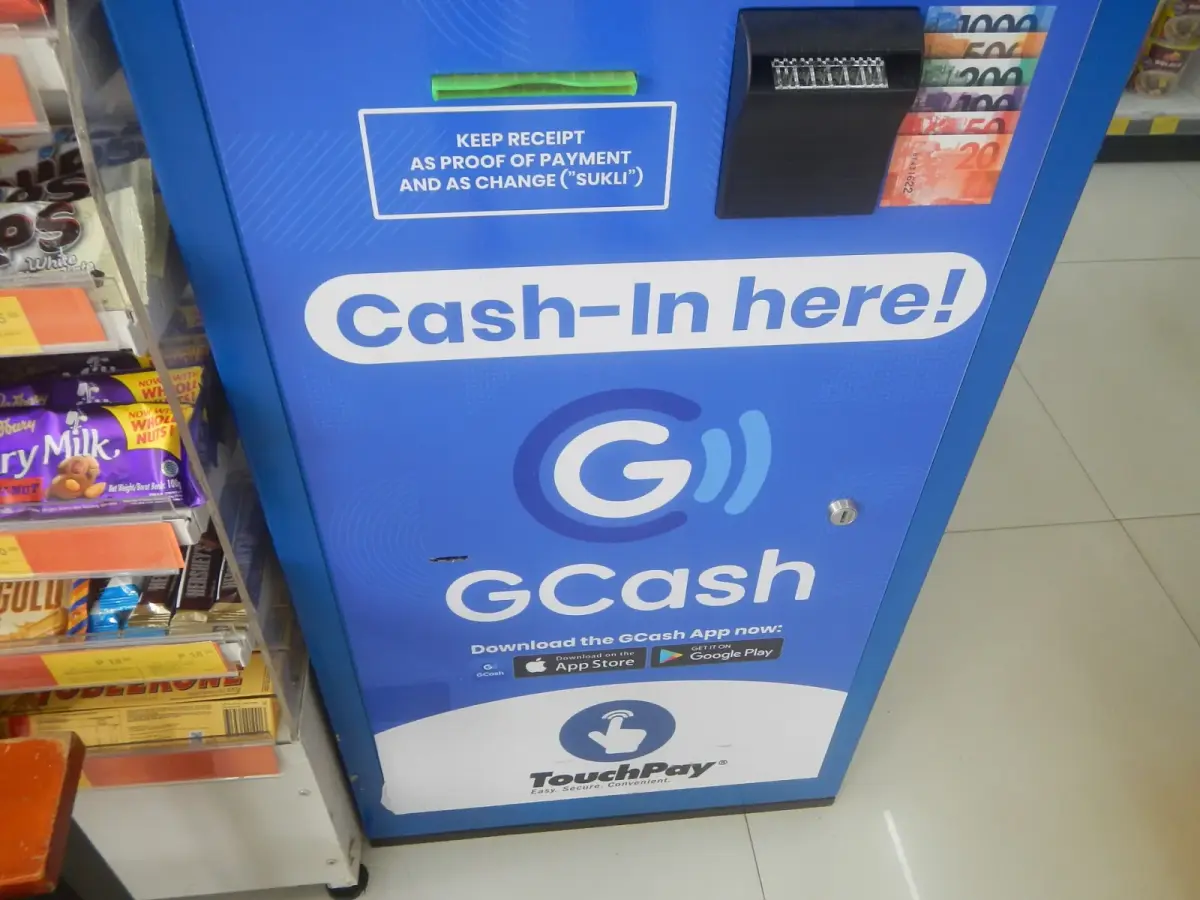
Photo: 9898Poblacion Proper Baliuag Bulacan 05 by JFVelasquez Floro, CC BY-SA 4.0, via Wikimedia Commons. Resized.
Keeping either wallet safe
Most e-wallet losses aren't hacks. They're people being tricked into giving away a one-time PIN. A few rules cover most of it:
- Never share your OTP or MPIN. GCash and Maya staff won't ask for them by text, call or chat.
- Don't tap links in texts about your account or a "pending reward." Open the app directly.
- Don't send money to an online seller directly. Pay through the marketplace checkout.
- Never lend or "rent out" your account to anyone. Under the Anti-Financial Account Scamming Act (RA 12010), allowing your account to be used for scam money is a crime.
- Turn on app notifications so you see every transaction as it happens.
If something goes wrong, contact the wallet's support through the official app right away, then report fraud to the CICC at 1326. Our guide to online shopping scams explains what to document.
Which one should you use?
Use the one you already have and trust if it covers your needs. Pick GCash if most of the people and stores around you use it. Consider adding Maya if you want a separate wallet for online shopping or if a promo you care about is running there. Either way, the habits matter more than the brand: verify your account, keep only what you plan to spend, top up a day before big sales and pay inside the app. If you're still deciding how to pay at checkout, read COD, e-wallet or credit card: which is safest.


Comments 0
Wala pang komento. Be the first to comment!
Leave a Comment